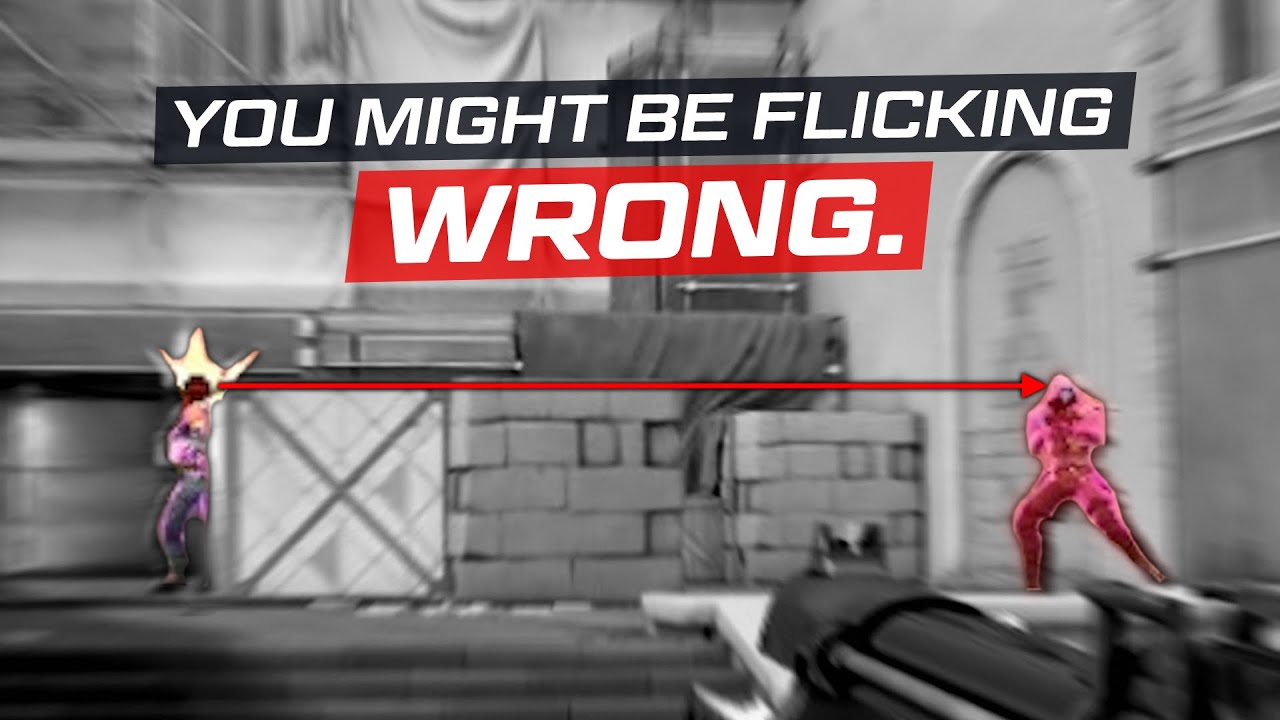
What’s in a flick?
Before we begin, put your hand on your mouse. In a moment, I want you to close your eyes and imagine you’re playing an FPS game and there’s an enemy on the right edge of the screen. Close your eyes and hit the flick shot.
So, we had to apply a force on the mouse to accelerate it quickly to the right, but what are we actually doing to stop it? You might say “oh well i just stopped moving my hand and the mouse stops.”
But even at the the top level of aiming, different playes employ completely different methods of stopping their mouse.
How do you stop your mouse?
We had one of our aimers ask on twitter, “what do you do to stop your mouse after a flick?” and while we did have a few people who had answers ready, most people had no idea that there is even any difference in technique between players or thought about what they do at all. For people who did have an answer, one of the most common replies was to actively tense up your arm at the end of flick.
And it makes sense. When you tense your whole arm and try to aim, it feels impossible because the muscles responsible for aiming are so locked into place. By adding this tension mid flick, you can get your arm to lock up intentionally when you’re on top of a target.
And this technique used by so many people is probably the worst thing you could be doing for consistent and fluid aim.
The problem is that by tensing up, you are creating a dead stop in your flick. This means you have to stop all of the momentum of your mouse in a single moment which often creates this sort of bounciness at the end of flicks that many players have. While there are players who have gotten to a high level doing this (rileycs used it for most of her older montages), no matter how good you get at managing that momentum, there is still that tension in your arm at the end of flick.
By maintaining that tension, your aim is still locked up and it becomes extremely difficult to track an opponent or make a microcorrection after a missed flick.
Releasing the tension after the dead stop will still always be a little bit slower, or less smooth than if you didn’t have that tension in the first place. And trying to aim with tension in your arm while experiencing nerves will cause even more inconsistency.
What else can you do?
So what else can we do in order to stop the momentum of the mouse without tensing up our whole arm?
The other force that helps you stop the mouse during a flick is friction. If you apply a force on the mouse and let it go, it will stop on its own due to friction. The rate of deceleration will vary based on the pad, but with this in mind, we can make use of that friction to help stop our mouse and minimize the amount of tension we have to employ.
We can even take that a step further, and manipulate the amount of friction the mouse experiences.
Method 1: Pushing into the Pad
One way we can do this is by pushing the mouse downwards into the mousepad. You can try it for yourself (if you’re on a cloth): try pushing your mouse back and forth without any downwards pressure on it. Then try pushing the mouse while applying some downwards force. It should feel much harder to move around while doing this.
Some people use this characteristic of cloth pads to generate additional stopping power. And it’s not a bad technique. You can use much less tension to generate similar levels of stopping power, it doesn’t have that rebounding issue. You can’t press into the pad without utilizing some amount of tension, which makes it fall into less dramatic versions of the previous technique’s pitfalls.
But while it is easier to maintain a smooth track after a flick than the tension stop, there still is that extra step of releasing pressure on the mouse before you can begin performing a micro or track. Some amount of fluidity is still sacrificed when you aim like this.
The nerves issue can also be a bigger problem here, with additional tension causing you to press more into the pad and experiencing a lot more friction than you’d probably like to.
But.. is there a way to generate more friction without changing the force you apply on the mouse? Things like mouse skates can reduce the amount of friction your mouse experiences, so what if we took that idea and extended it.
What if we had a pair of higher friction skates that we could engage at any time? Well, we kinda do.
Method 2: The Finger Drag
We can use our fingers to make contact with the mousepad during the flick to increase friction and aid the stop. This is actually done by a good portion of top aim trainer players, and it doesn’t really have a noteworthy downside. It’s less of a primary means of stopping and more an extra variable you can learn to control to create additional stopping power with whatever technique you use. Viscose, Matty, and Clover are noteworthy users of it.
However, all of these techniques involve the pretense that we’re aiming to stop the mouse. What if we don’t need to? What if we can just make the mouse think that it’s stopped?
Method 3: The Mouse Lift
Try slowly moving your mouse and very gradually lifting it off the mousepad. At some point, the sensor will stop tracking and your cursor will remain completely motionless.
Some people have based their aiming technique on this quirk. The benefit is that you can flick as fast as you want without worrying about the technique required to stop the momentum of the mouse. You will create a perfect stop in your flick as soon as the sensor stops tracking.
Most players with mastery of the technique use it with very high sensitivities, and by doing so, can get the speed of instant flicks on high sens without any of the instability that usually comes with it. But it still works with any sensitivity and some players will have it just as a tool in their arsenal. VT minigod, for example, uses over 100cm/360 and will very slightly tilt his mouse during flicks, and occasionally choose to lift the mouse instead of employing some more standard stopping power technique if the situation calls for it.
However, even the mouse lift has a critical flaw similar to the tension stop: there is necessarily going to be downtime between when the flick ends and when a micro or track occurs while the mouse is in the air.
So what would an ideal flick technique even look like? It would have to be one that is just as fast as any of the previous techniques but doesn’t limit us in our ability to aim afterwards. Something mastered by our favorite aimer, Viscose.
Method 4: The Tension Release
To illustrate how it works, try putting your hand on the mouse and tensing your aiming arm and flick as fast as you can. It should be pretty fast!
Now try doing the same thing but intentionally avoiding introducing any sort of tension in your arm, keep it perfectly loose and flick as fast as you can. Maybe you can get some speed, but it’s not possible to reach the same velocity as when you activate the muscles in your arm more.
In order to create a flick with any noteworthy speed you need to utilize some amount of tension at the beginning of the motion. But by releasing it partway through and letting the mousepad’s friction help us stop, we can get the best of both worlds: the speed of a tense flick with the fluidity of a relaxed one.
The most noteworthy aspect of this technique is avoiding the pitfall that almost every other technique we’re covered falls into: that lack of fluidity that comes after a flick. You will remain loose and ready to continue aiming as soon as the flick ends. It also has benefits for chaining flicks together. You’ll have much more stamina to continue chaining flicks between various targets and can much more smoothly transition between various speeds and directions.
For any technique you want to try and improve at that’s new to you, it’s good to do so in a controlled environment so you can focus on your tension and technique and play at a comfortable pace. If you’re using aim trainers, playing scenarios like evasive switching is the most intuitive way to learn a tension release since they promote continuous tracking post-flick.
Closing thoughts
It’s worth noting that this writeup is meant to showcase two things: First, there is more nuance to stopping your mouse than most people give it credit for, and it can be worth thinking about how exactly you do it. And second, to show off a few different techniques other people use to see if you want to start incorporating them into your style.
But some methods having drawbacks doesn’t mean you can’t get good with any technique we described in the video: people have reached high levels with all of them, even within the aim training space and a lot of people developed their style naturally.
It’s always good to experiment and try things outside of your comfort zone, but you don’t necessarily have to completely refactor your whole playstyle if we flamed your current technique.
Just something to think about! Though it’s interesting that these ideas are something people never considered until fairly recently, and most people never have thought about it at all. Unlike something like piano where people have more or less figured out what makes for “good technique”, aiming is a fairly young skill. And there’s probably more ideas out there for something as simple as stopping the mouse have never even been considered yet.